Best AI YouTube Thumbnail Generators Compared (2026)
An honest July 2026 comparison of YTDiscovery Thumbnail Studio, Pikzels, 1of10, vidIQ, and Canva: generation approach, reference-image support, free tiers, and real pricing.
There are now more AI thumbnail generators than any creator has time to test, and most comparison posts are written by whoever is selling one of them. So are we: YTDiscovery makes Thumbnail Studio, and it is in this list. The difference we can offer is honesty about what each tool does well, who should pick it, and what it costs, with pricing checked in July 2026. Prices change; always confirm on the vendor's own page.
One definition before the table: several tools below lean on outlier data. An outlier is a video that massively outperforms its own channel's normal views, which makes its thumbnail worth studying: the packaging did the work, not the channel's audience. We published a full breakdown of what 100 breakout thumbnails have in common if you want the underlying data.
AI YouTube thumbnail generators compared (July 2026)
Tool | Approach | Reference images (your face) | Free tier | Paid price |
|---|---|---|---|---|
YTDiscovery Thumbnail Studio | Gemini 3 Pro image generation plus a 100,000+ video outlier index for style modeling | Yes | Unlimited with your own Gemini API key | $29/mo (50 managed/mo) or $49/mo (500 managed/mo) |
Pikzels | Dedicated AI thumbnail generator with recreate-from-reference and face swap, credit based | Yes | Limited trial | From about $20/mo, credit based |
1of10 | Outlier research platform with AI thumbnail and title generation on the top plan | Yes | Research features only, no AI thumbnails | AI thumbnails on Pro at $49/mo |
vidIQ | Channel analytics suite with an AI thumbnail maker as one feature | Limited | A few generations to try | Boost from about $16.58/mo annual ($39 monthly), credit based |
Canva | General design editor with templates plus Magic Media AI generation | Editing yes, AI face likeness limited | Limited monthly AI credits | Pro at $15/mo with 500 AI credits |
Pricing checked July 2026 from vendor sites and published reviews. Credit systems make direct comparison fuzzy: a "generation" is not the same unit everywhere.
YTDiscovery Thumbnail Studio
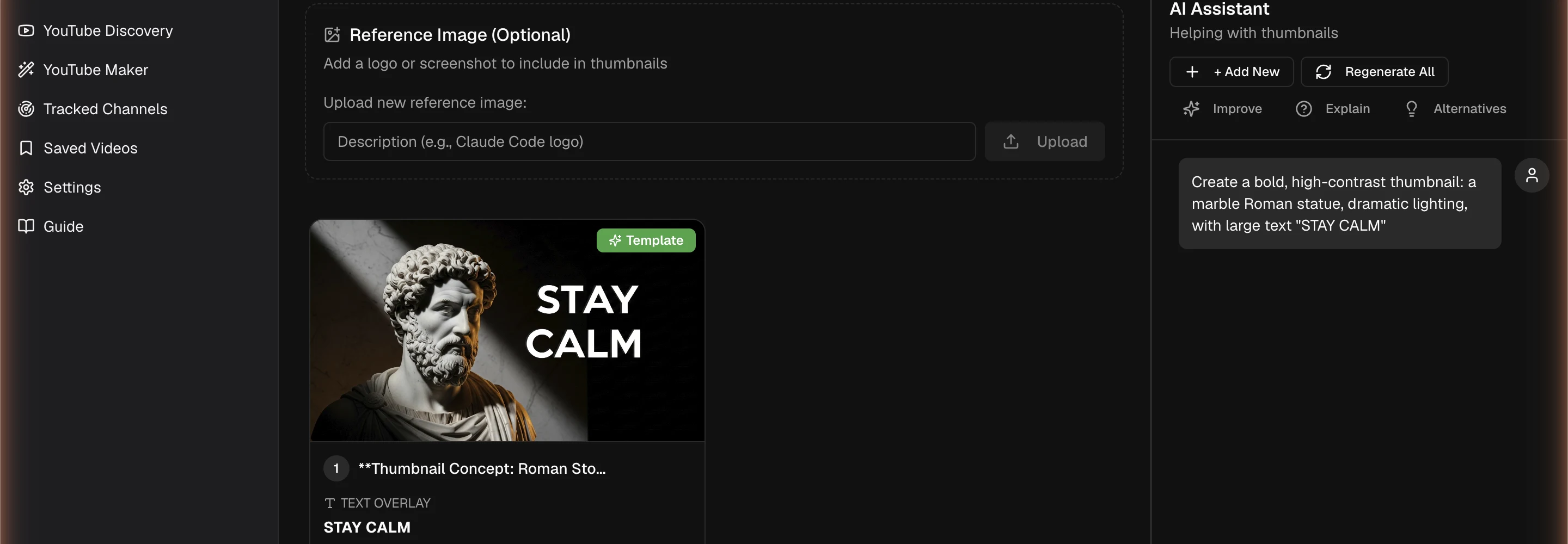
Thumbnail Studio generates thumbnails from a prompt, a template, or reference images of your face and brand, refines them conversationally, and upscales to 4K. What no other tool on this list has is the index behind it: YTDiscovery scores 100,000+ videos against their own channel's typical views, so you can pull up thumbnails that provably broke out in your niche and model them instead of guessing. The free plan is unusual too: connect your own Google Gemini API key and generate without a monthly cap, paying only Google's API rates. Fair criticism: it is a newer tool, and if you want a huge library of drag-and-drop templates, Canva's editor is deeper. Best for creators who want their thumbnails informed by evidence about what already works. Details on the AI YouTube thumbnail generator page.
Pikzels
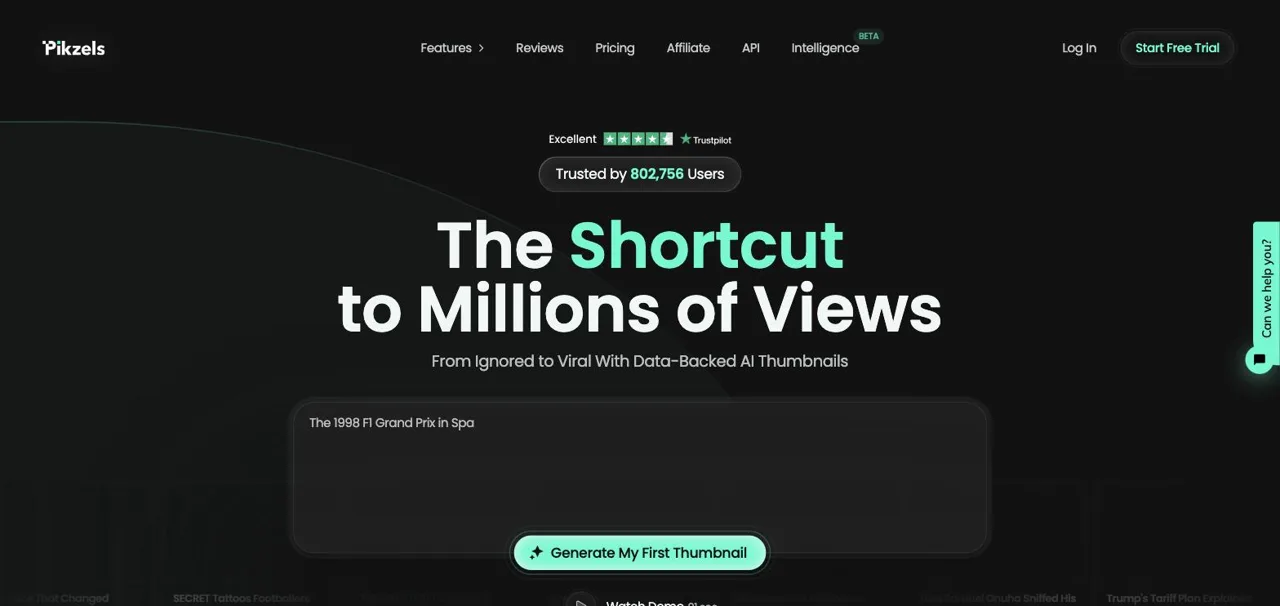
Pikzels is one of the best-known dedicated AI thumbnail tools, and its recreate feature is genuinely strong: paste a thumbnail you admire and it rebuilds the composition with your subject, including face swap. Plans start around $20 per month on a credit system, and heavy editing can burn credits faster than expected, which is the most common complaint in reviews. It does not tell you which thumbnails are worth recreating; you bring your own research. Best for creators who already know what they want to model and want a fast, polished recreation workflow.
1of10
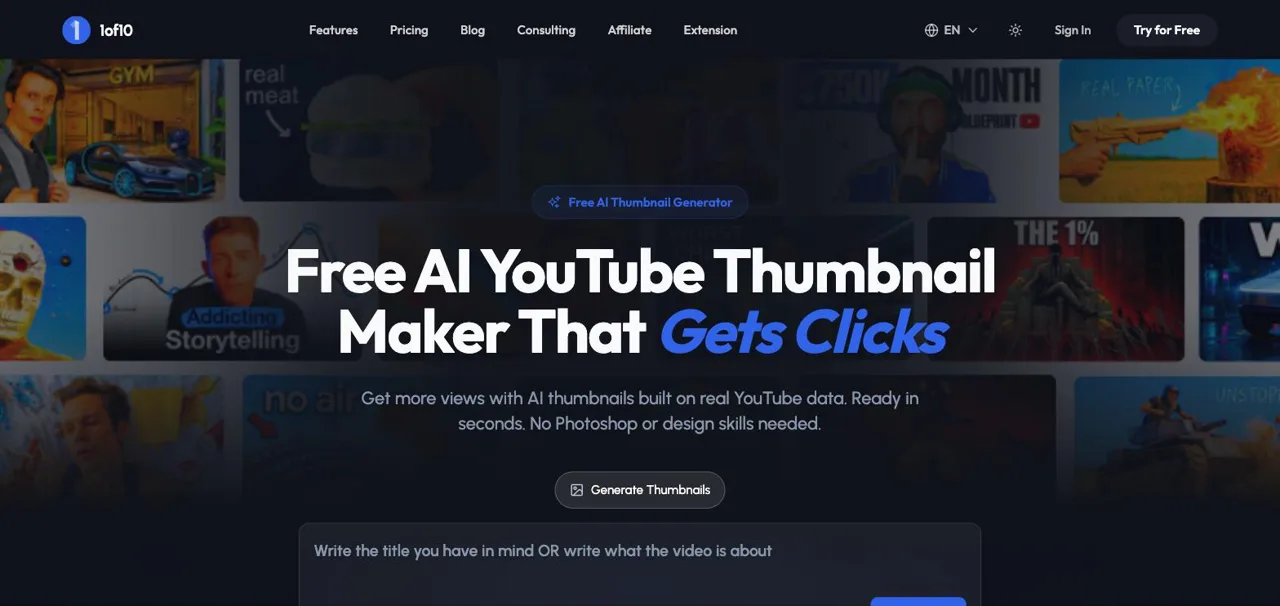
1of10 is primarily an outlier research platform, and a good one; its Chrome extension and outlier database are widely used. AI thumbnail generation exists but sits on the Pro plan at $49 per month, with the cheaper Basic plan limited to research features. If you mainly want research with thumbnails as a bonus and the budget fits, it is a credible pick. We compared the research side head-to-head in our outlier finder comparison, including where 1of10's subscriber-based scoring differs from channel-median scoring.
vidIQ
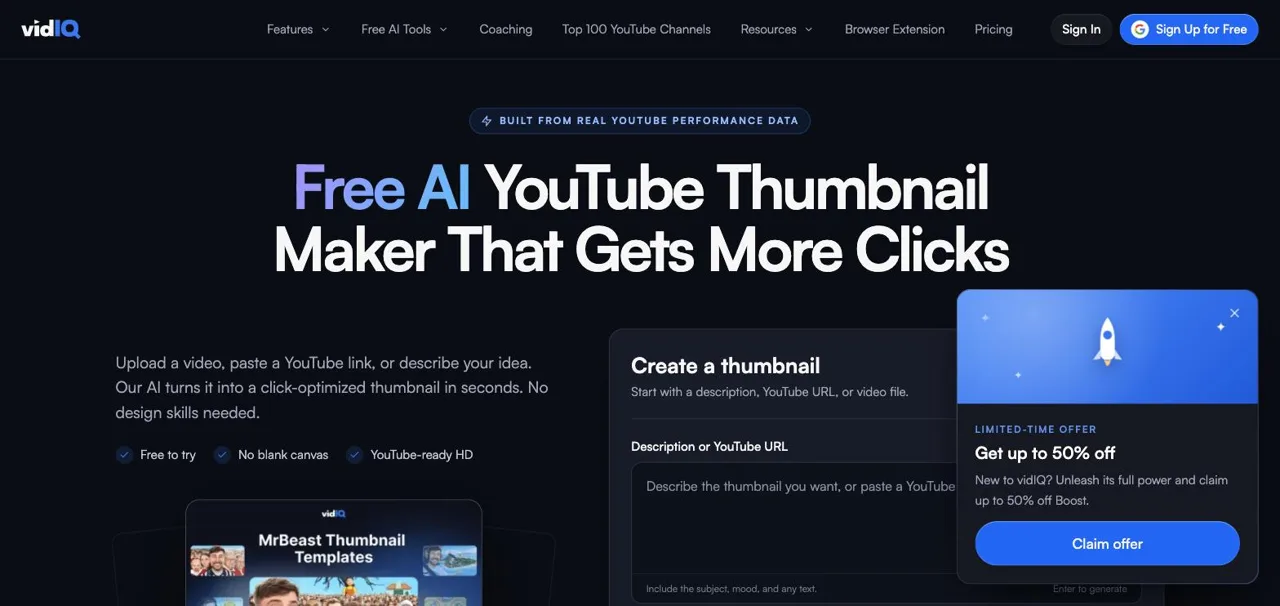
vidIQ is a channel analytics suite first, and its AI thumbnail maker is one feature among many. You can try a few generations free, then thumbnail generation lives in the paid tiers (Boost is about $16.58 per month billed annually, $39 month-to-month, with a shared AI credit pool). Output quality is serviceable rather than spectacular in most third-party tests, and reference-image control is thinner than the dedicated tools. Best for creators who already pay for vidIQ analytics and want passable thumbnails without another subscription.
Canva
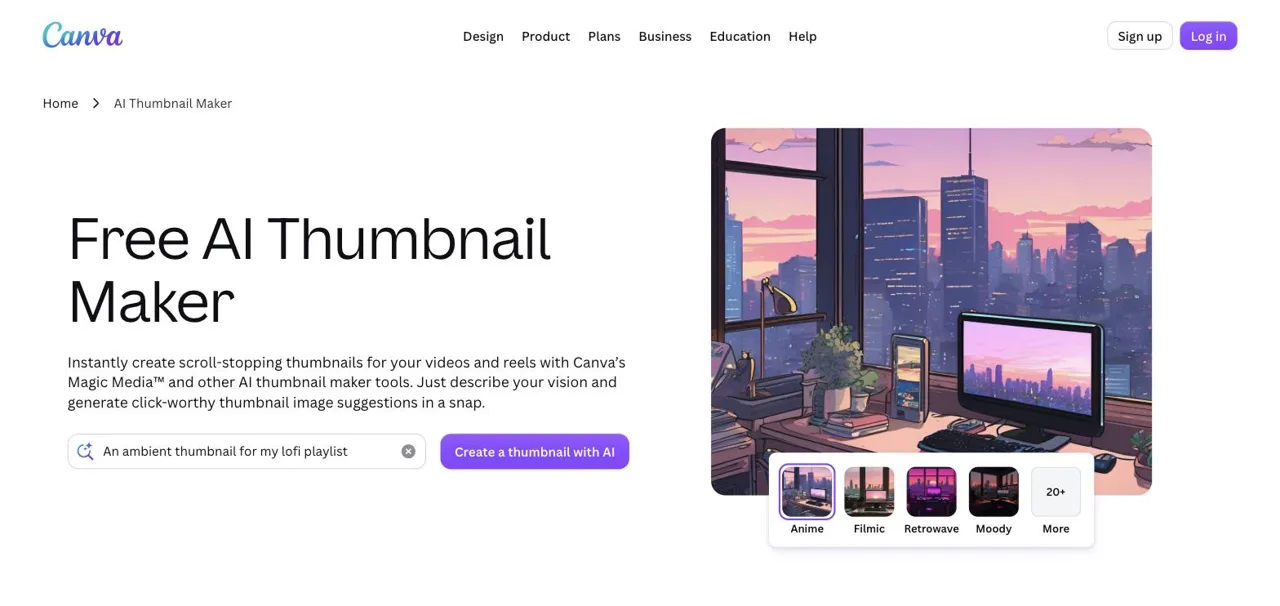
Canva is the strongest pure editor on this list: thousands of YouTube thumbnail templates, easy text and layout control, and Magic Media AI generation built in. The free tier includes a small monthly allowance of AI credits, and Pro at $15 per month includes 500. What it lacks is YouTube-specific intelligence: no performance data, no niche research, and AI likeness of your own face is more limited than in dedicated thumbnail tools. Best for creators who want full manual design control with AI as an assist, or who already use Canva for other graphics.
What about "SEO Studio Tools" thumbnail generator?
If you searched for the SEO Studio thumbnail tool: it is a thumbnail downloader, not a generator. It fetches the existing thumbnail image of any YouTube video in several sizes. That is handy for collecting references (download a breakout's thumbnail, then use it as a reference image in a generator), but it will not create anything new.
How to choose
Pick by the job in front of you. If you want evidence about what to make before you generate, YTDiscovery pairs the data and the generator. If you want the slickest recreate-a-specific-thumbnail workflow, Pikzels. If you want research depth and can pay $49, 1of10. If you live in analytics dashboards, vidIQ. If you want manual design control, Canva. Whichever generator you use, the patterns that keep winning are documented in our thumbnail best practices guide: they apply everywhere.
Screenshots show each vendor's public tool page, captured July 20, 2026. Last updated July 20, 2026. We re-check pricing quarterly; if you spot an outdated number, the vendor's pricing page wins.